Memory.fit for swimmers

Your swims, planned by the AI you already use.

Your watch records every swim. Your AI reads it in Memory.fit, plans the week's sets and the fuel around early sessions, and marks what changed and why.

7 days free, then $69 a year or $9 a month. Cancel any time.

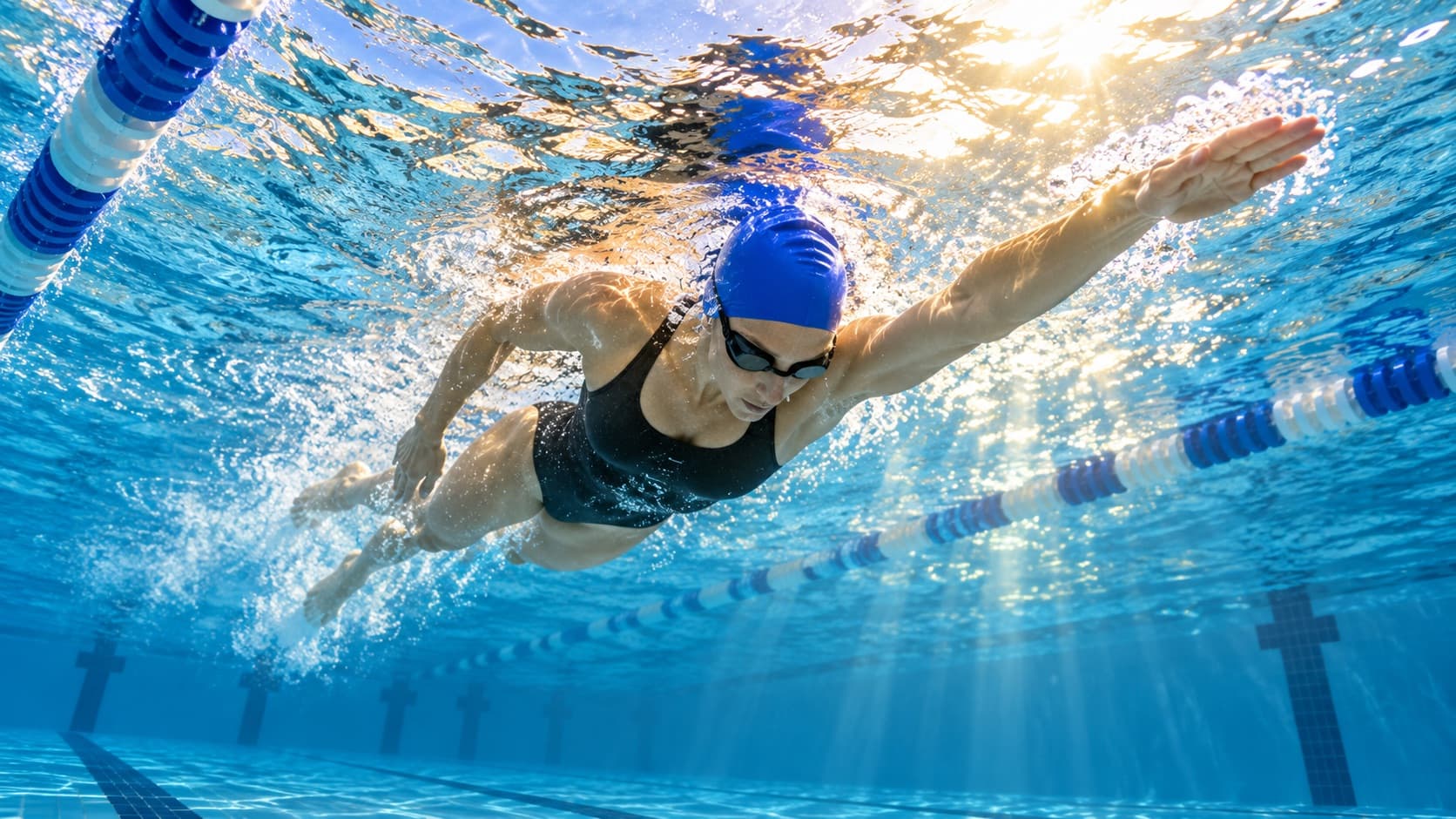
A swimmer doing freestyle in a sunlit pool, seen from underwater

You ask your AI

“Busy week with the kids. What's the minimum that still counts?”

Ideas

What your AI builds for you

Memory.fit recommends nothing itself. These are words for your AI: copy one, paste it in, and your AI builds it in Memory.fit.

Plan training

  • Plan three swims a week in Memory.fit for the next month, with a technique set in each.

  • My CSS test came out at 1:45 per 100 m. Update my training zones in Memory.fit and build my next main set from it.

Fuel a session

  • Plan what I eat before my 6 a.m. swims in Memory.fit, and a recovery snack after.

  • How many carbs per hour should I take on a 2-hour session? Check Memory.fit's reference numbers and my gut training, then tell me what you would set.

Gym & strength

  • Add two short strength sessions a week to my plan in Memory.fit, away from my key sessions.

  • Plan two dryland sessions a week in Memory.fit: shoulders, back and core for swimming, 30 minutes each.

Meals & targets

  • Set my daily targets in Memory.fit for this week: more carbs on my long day, less on rest days.

  • Set my daily targets in Memory.fit by day type: rest, easy and long days, picked from my planned sessions.

    See them in You › Daily targets.

Race day

  • Write my plan for my next race in Memory.fit: what I eat the day before and on race morning, my warm-up, and what I eat between races.

    You tick the checklist off in the app, from your race on You.

  • Save the date of my next race in Memory.fit and count the weeks down on my Progress page.

Recovery & sleep

  • I slept badly. Move today's hard session to tomorrow and make today easy.

  • Make next week a recovery week in Memory.fit: about half the hours, no hard sessions, and my sleep and HRV on Today.

Check-ins

  • Check Memory.fit for the swim that just synced and tell me how it went against the plan.

  • Give me my morning brief from Memory.fit: what's new since you last checked, like last night's sleep, a weigh-in or a session that synced, and what's planned for today.

    If your AI can schedule tasks, ask it to run this every morning at 7.

Look back

  • Compare my planned and completed training over the last 4 weeks.

  • Look back at my last 8 weeks of swimming in Memory.fit: distance per week and how many swims I missed.

Words underlined are yours to swap. Every idea for swimming →

Your pages

Pages for swimmers

Layouts your AI builds on Today or Progress from your own data. Copy the prompt; Undo puts the old page back.

Progress page

Swim focus

Distance in the water, swims a week and how you slept.

Example
Swim distance this week
Swims this week
Weekly swim distance
Sleep, nightly average by week
Your race and goal
Training, Fueling, Body, Recovery, Strength
From your AI: reviews and insights
Read the prompt

“In Memory.fit, set up my Progress page around swimming. At the top, two compact metrics side by side: my swim distance this week and how many swims I did this week. Then a featured bar chart of weekly swim distance for the last 12 weeks and a line chart of my average nightly sleep in hours, by week, over the same 12 weeks. Keep my race and goal, the pillars and what my AI wrote below. Read Memory.fit's dashboard capabilities first.”

Today page

Race week

The last seven days before a race, when every session and meal counts.

Example
Next
Days to race
Planned TSS, next 7 days
Race week
Eaten vs your target
Still to come
The week ahead
Done today
Read the prompt

“In Memory.fit, set up my Today page for race week. Right under Next, two compact metrics side by side: days to race and planned TSS for the next 7 days. Then a short race-week note in your own words with the key days (carb load, shake-out, race morning). Then what I've eaten against my target and what's still to come, a table of the next 7 days of sessions with date, time, session and duration, and what I've done today. Read Memory.fit's dashboard capabilities first, then tell me what you changed.”

Today page

Recovery week

A lighter week, when you want to see that you are absorbing the work.

Example
Next
Sleep, 7-night average
HRV, 7-day average
Training this week, under your cap
This week
Eaten vs your target
Still to come
Done today
Read the prompt

“In Memory.fit, set up my Today page for a recovery week. Right under Next, two compact metrics side by side with sparklines: my 7-night average sleep in hours and my 7-day average HRV. Then a progress bar of this week's training hours that I should stay under; take the cap from my plan and tell me what you chose. Add a short note on what this week is for, then keep what I've eaten, what's still to come and what I've done today below. Read Memory.fit's dashboard capabilities first.”

Questions

Memory.fit for swimmers: good to know.

  • Yes, as your watch records them, through its own connection or through Apple Health and Health Connect.

  • Suunto watches get the swim sessions your AI plans. On any watch, the session shows on Plan in the Memory.fit app with every set.

  • No. Your AI writes it. Memory.fit gives your AI your real data, keeps the plan your AI writes and shows it in the app with the AI's name on it. Any change can be undone.

  • One is enough: ChatGPT, Claude, Dots, Muse, Cue, Grok Bot, Gemini or any app that supports MCP connectors. Some need a paid plan from their maker.

Your next chapter starts with everything you've learned.

On Android now. iPhone is coming: join the waitlist and we'll email you the day Memory.fit is on the App Store.

No spam. One email when it's ready.

Get it onGoogle PlayComing soon onApp Store